Pick your file
Start in Photos, Files, or the system share sheet.
 Lighten
ONE LESS THING BEFORE YOU SEND
Prepare photos and videos right on your iPhone. Smaller files, originals kept, ready for what’s next.
Free download · Daily free allowance
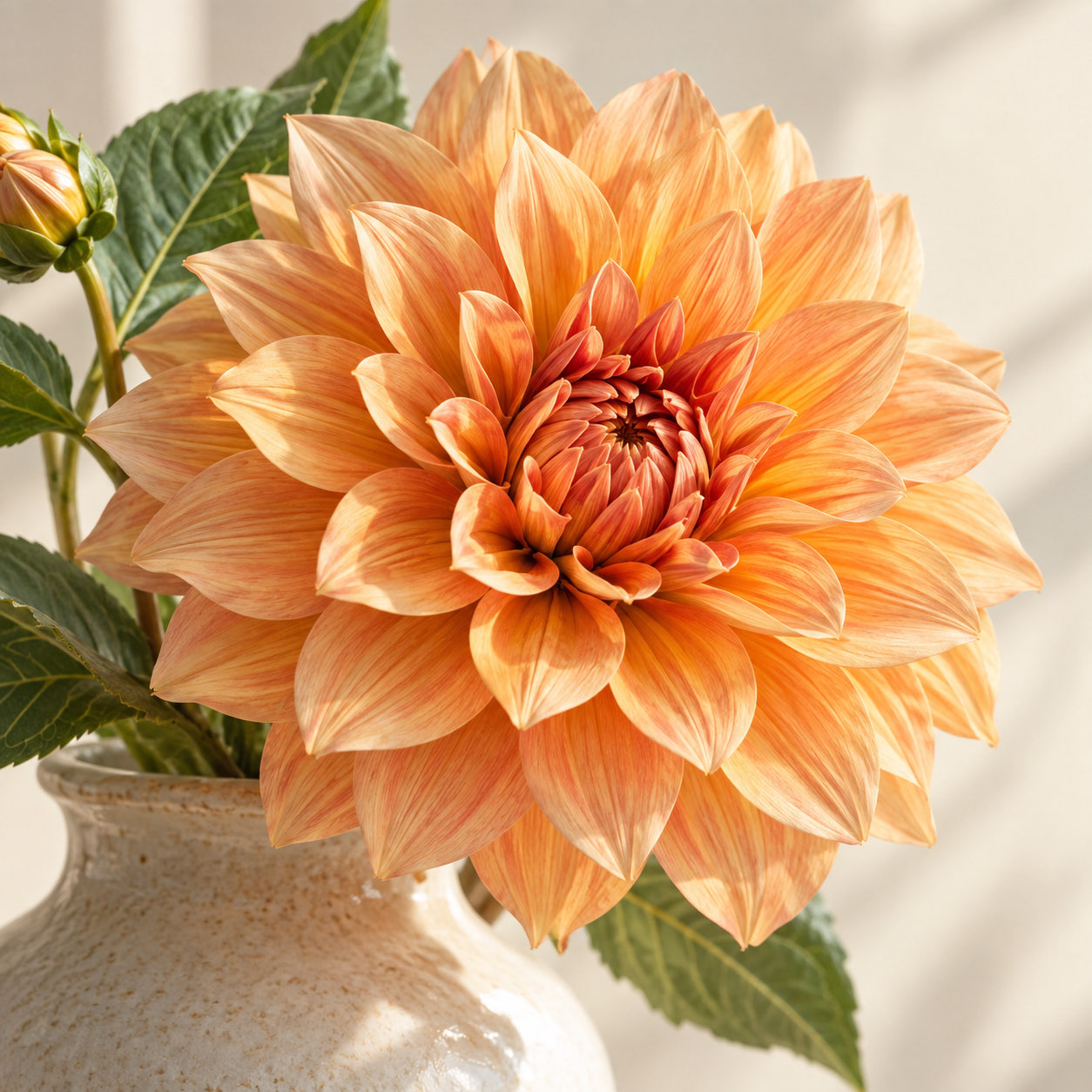
Start in Photos, Files, or the system share sheet.
Choose a compression preference. Add a size limit, format or dimensions when needed.
Compare the same detail, then save to Photos or Files, or share.
IN ACTION
A short look at the real app in use.
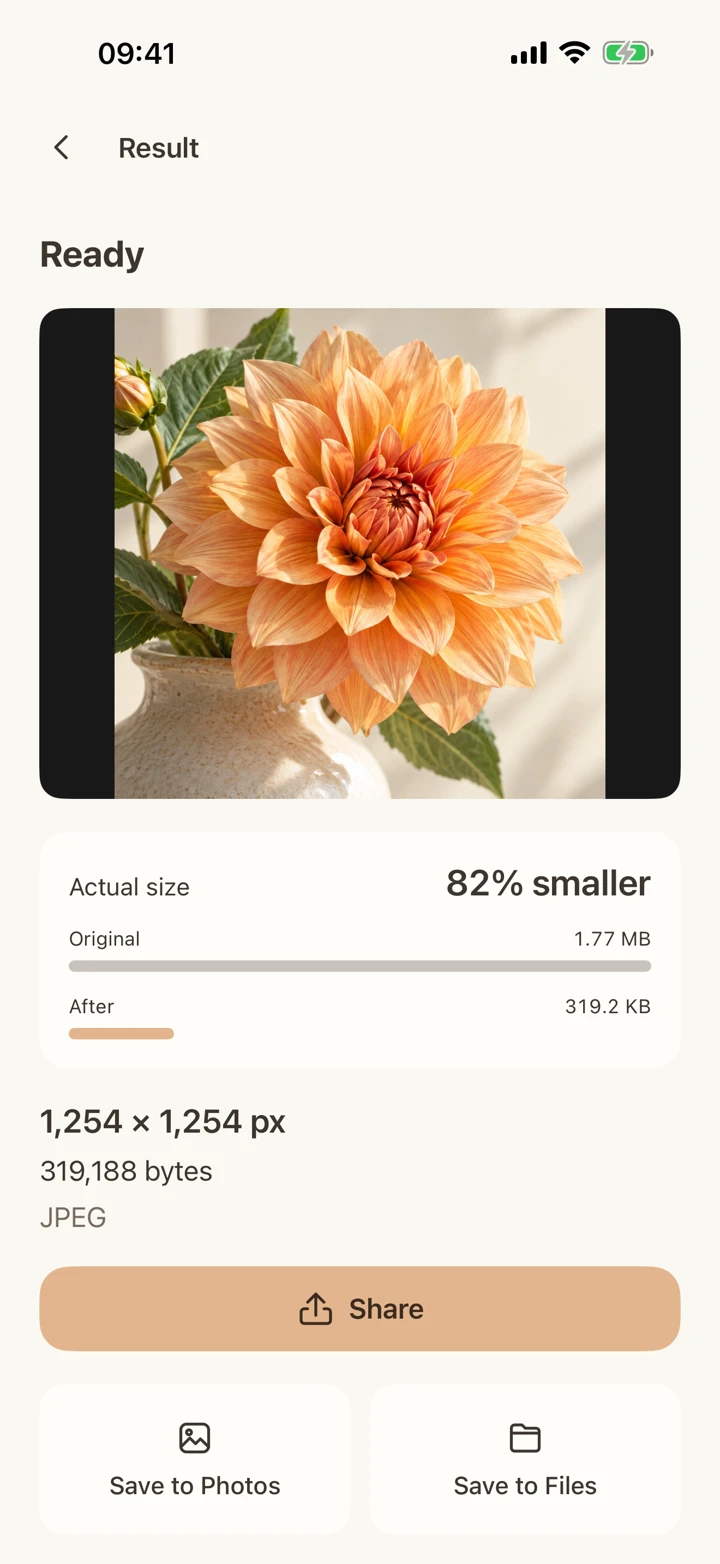
Import the sample photo, choose Smaller, prepare the result, open synchronized comparison, then view the save and share actions. Numbers come from this actual run with the original dimensions and no crop.
Actual app screens and edited simulator footage. Results vary by file.
Drag the divider to compare this sample with its actual output.
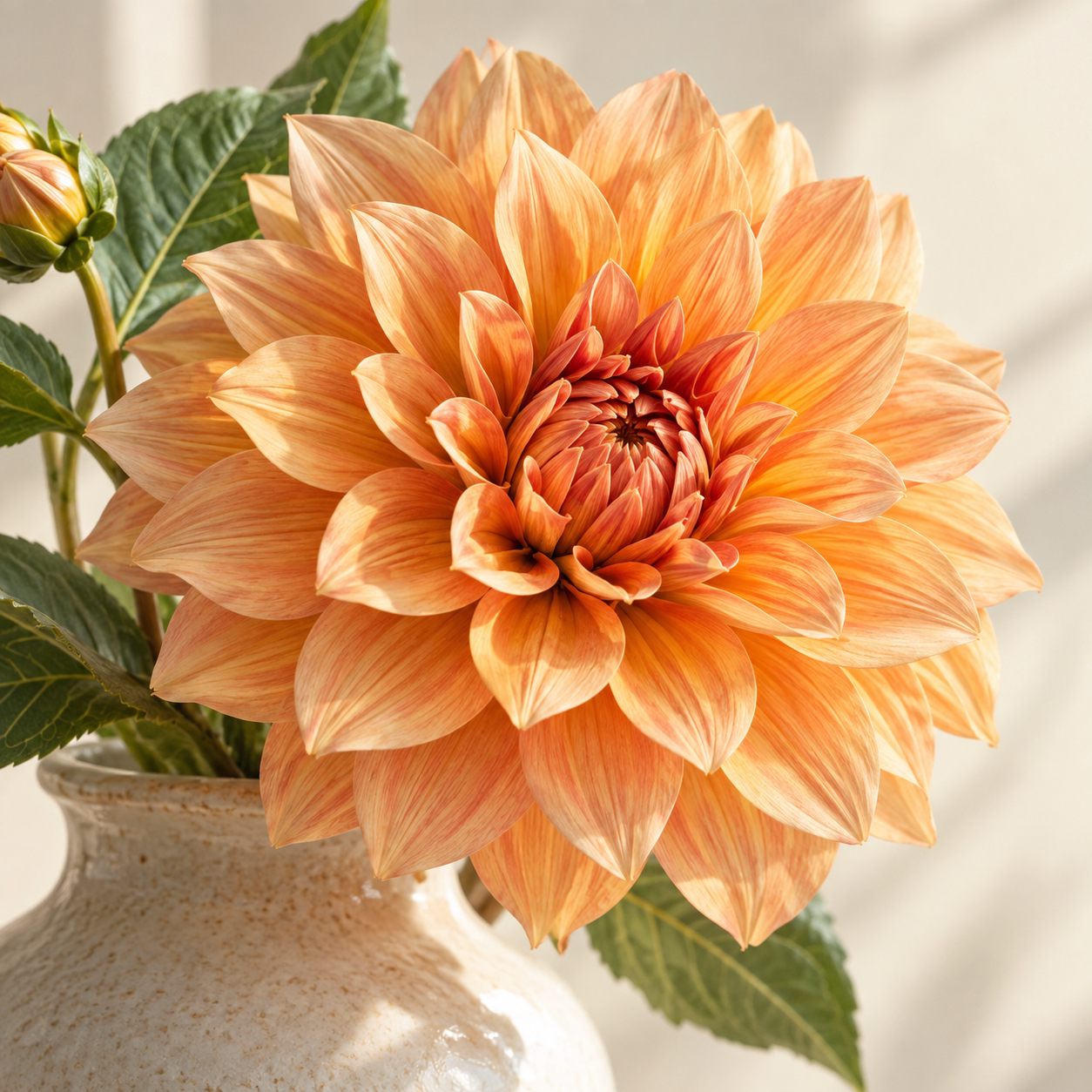 OriginalResult
THIS SAMPLE
82%
smaller file
JPEG to JPEG, with original pixel dimensions. Results vary by source and settings.
Save a separate result. No replacement or automatic deletion of your source files.
Keep supported motion, HDR, location and more when the format and device allow it. Incompatible requirements are explained.
Lighten does not upload your media. System cloud-original downloads and Apple purchases are separate.
One purchase for photos and videos.
Free download · Daily free allowance
No subscription · No third-party ads
Your local in-app purchase screen shows the current price.
Start with a photo.
Download on the App StoreDownload and purchase availability depend on your App Store region.